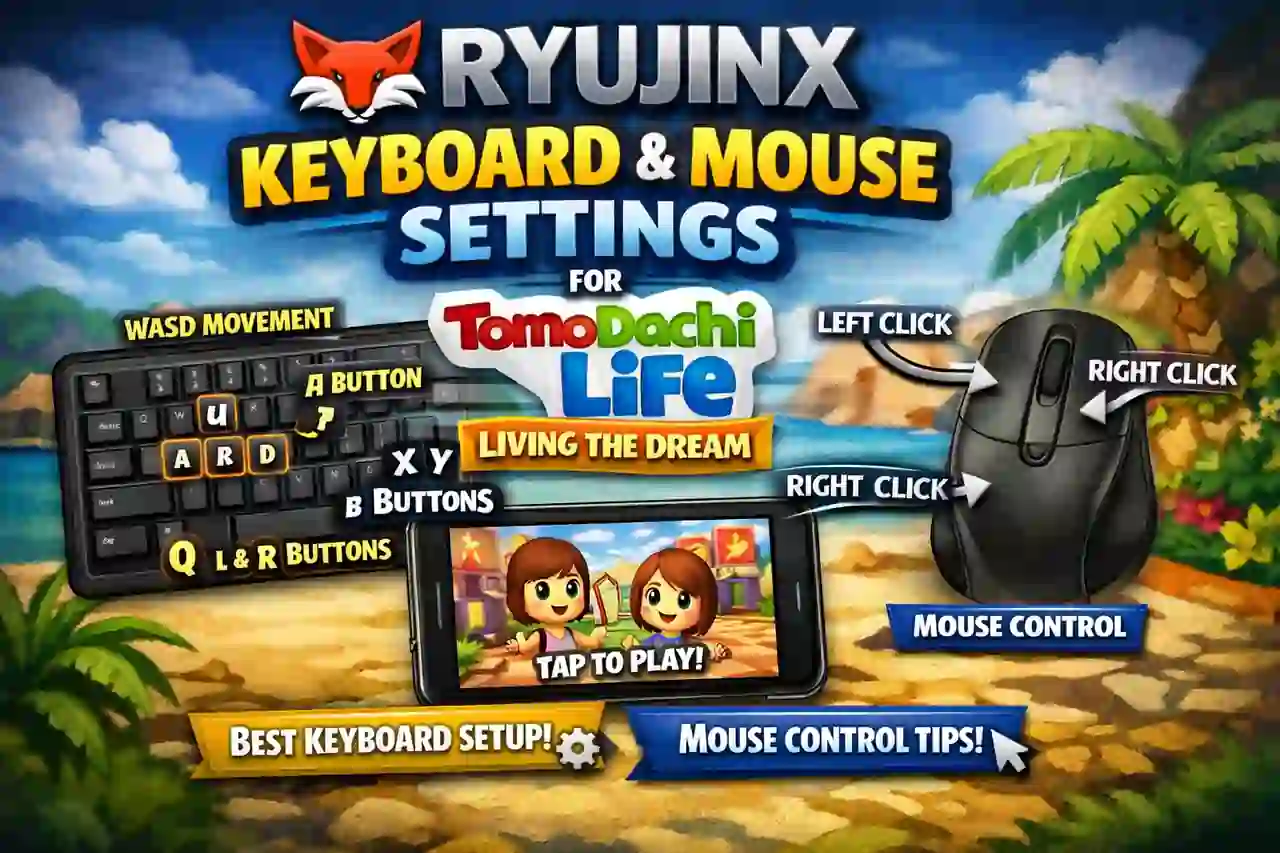
Ryujinx Keyboard and Mouse Settings for Tomodachi Life: Living the Dream

Ryujinx Keyboard and Mouse Settings for Tomodachi Life Living the Dream

Playing Tomodachi Life: Living the Dream on Ryujinx can be a fun experience on PC. Since the game was designed for Nintendo Switch controls, keyboard and mouse users need to set up the controls correctly. A good keyboard layout makes menus easier to use and improves overall gameplay. This guide explains the best Ryujinx keyboard … Read more

How to Install DLC and Updates in Ryujinx / Ryubing Emulator (2026 Guide)

Install DLC and Updates in Ryujinx / Ryubing

Playing Nintendo Switch games on Ryujinx or Ryubing becomes much better when you install game updates and DLC. Updates can fix bugs, improve performance, and add important changes. DLC can add new characters, maps, stories, and extra features. Many Switch games do not show their full content without updates and DLC. That is why installing … Read more

How to Install Ryujinx Canary on Steam Deck

How to install Ryujinx Canary on Steam Deck – step-by-step guide with AppImage setup, keys, firmware and Gaming Mode

What is Ryujinx Canary? Ryujinx is a Nintendo Switch emulator that lets you play Switch games on other hardware. The Canary build is the cutting-edge version — it receives updates more frequently than the stable release and often includes improved game compatibility and performance fixes before they hit the official stable channel. The original Ryujinx … Read more

How to Add Games in Ryujinx Canary (2026 Easy Guide)

Adding Nintendo Switch games to Ryujinx Canary emulator on PC using XCI and NSP files

Ryujinx is a powerful Nintendo Switch emulator that lets you enjoy your favorite games on PC. When your games are added and organized properly, everything feels smoother and easier to manage. This guide walks you through the full process in simple, beginner-friendly steps. We recommend using the latest Ryujinx Canary version from ryujinxcanary.com for the … Read more