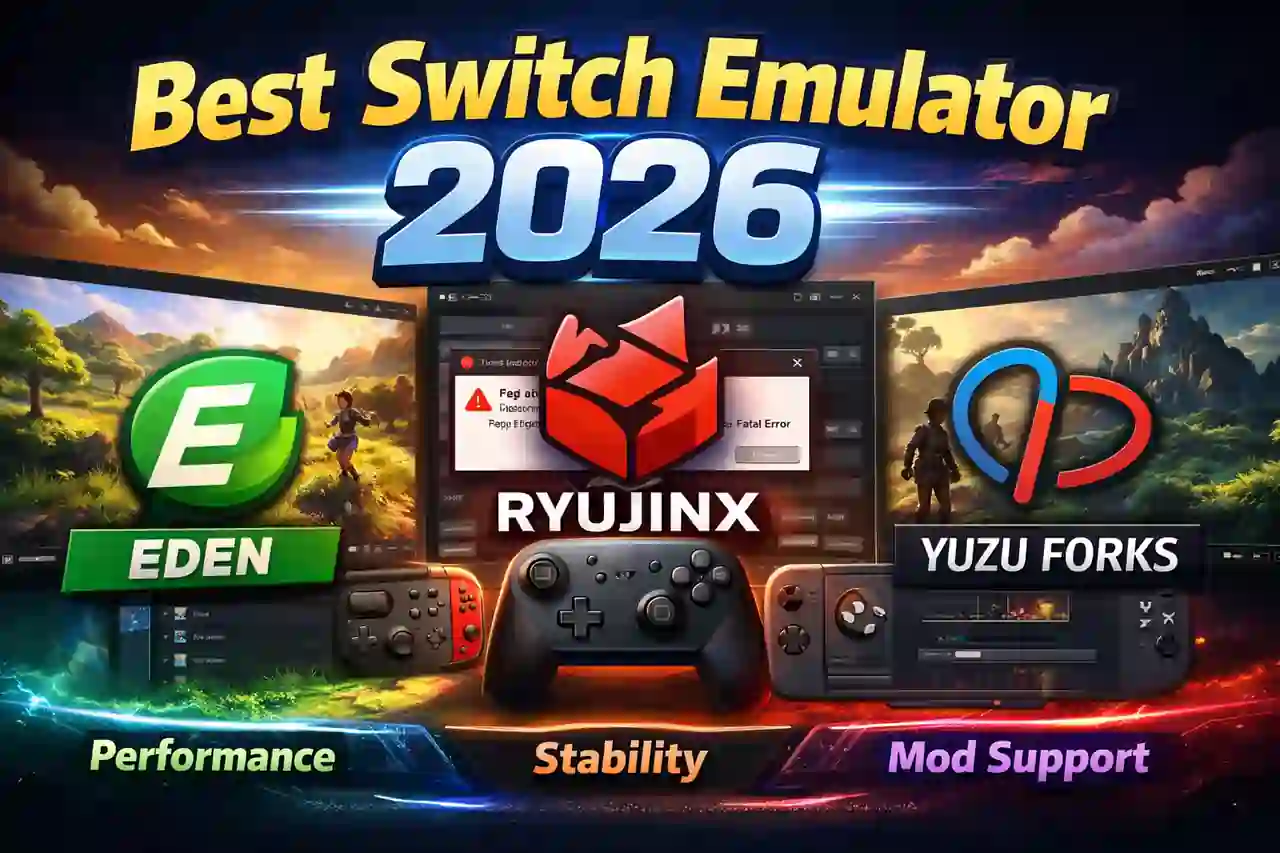
Nintendo Switch emulation has come a long way. In 2026, you have more options than ever. The emulators are faster, more stable, and easier to set up.
But with multiple choices available, picking the right one can feel confusing.
This guide breaks down the best Nintendo Switch emulators right now. We compare their performance, stability, and features so you can pick the right one for your setup.
Also Read > Ryujinx Canary vs Ryujinx
What Should You Look for in a Switch Emulator?
Not all emulators are built the same. Before downloading anything, think about what matters most to you.
Here are the key things to check:
- Game compatibility — How many titles run correctly
- Performance — Smooth FPS and fast load times
- Stability — Fewer crashes during gameplay
- Features — Controller support, graphics options, mod support
- Platform — Does it work on PC, Linux, or Android?
The best emulator for you depends on your PC specs and what games you want to play.
The 3 Best Nintendo Switch Emulators in 2026
1. Eden — Best Overall Switch Emulator
Eden is one of the most talked-about Switch emulators in 2026. It follows a similar approach to Yuzu but with continued active development.
It is fast, easy to set up, and works well on both PC and Android.
Why Eden stands out:
- Strong game compatibility across many titles
- Regular updates with performance improvements
- Clean and simple interface
- Good Android support compared to other options
- Works well on mid-range hardware
Best for: Beginners, Android users, and anyone who wants a modern emulator that just works.
Downsides: Being a newer project, some games still have minor bugs. The project can also change direction quickly since it is community-driven.
For a more detailed comparison, see this Ryujinx vs Yuzu vs Eden breakdown.
2. Ryujinx — Best for Stability
Ryujinx takes a different approach. It focuses on accuracy over raw speed.
This means games behave closer to how they would on real Switch hardware. That matters a lot for long gaming sessions and more complex titles.
Why Ryujinx stands out:
- Excellent stability across supported games
- Very good compatibility list
- Clean interface with useful settings
- Strong controller and input support — See the input settings guide for setup help.
- Detailed graphics configuration options
Also Read > Ryujinx Canary Graphics Enhancements Guide
Best for: Desktop PC users, players who want fewer crashes, and anyone playing for long gaming sessions.
Downsides: Some games run slightly slower compared to Eden. Android support is limited. It may not always win on raw performance benchmarks.
3. Yuzu Forks — Best for Legacy Users and Mod Support
Yuzu was the emulator that made Switch gaming on PC popular. The original project stopped, but community-built forks continue to exist.
These forks carry forward the Yuzu experience with the same familiar layout and mod tools.
Why Yuzu Forks stand out:
- Familiar interface for returning users
- Strong mod support ecosystem
- Lightweight and works on older hardware
- Large base of guides and community knowledge
Best for: Existing Yuzu users, mod enthusiasts, and players with older PCs.
Downsides: Fork quality varies a lot. Some forks get updates regularly while others go quiet. You need to research which fork is active before downloading.
Switch Emulator Comparison Table
| Feature | Eden | Ryujinx | Yuzu Forks |
|---|---|---|---|
| Performance | Excellent | Very Good | Good |
| Stability | Improving | Excellent | Varies by fork |
| Game Compatibility | Very Good | Very Good | Good |
| Active Updates | Yes | Yes (community) | Varies |
| Android Support | Strong | Limited | Some versions |
| Mod Support | Good | Excellent | Excellent |
| Beginner Friendly | Yes | Yes | Moderate |
Which Emulator Performs Best?
There is no single winner for every game. Performance depends on more than just the emulator.
Your results will change based on:
- Your CPU model and speed
- Your GPU and its drivers
- How much RAM you have
- The specific game you are playing
- Emulator settings and graphics API used
A game that runs perfectly on Eden may have issues on Ryujinx, and vice versa. This is why many experienced users keep two emulators installed and test both. For real-world data on Ryujinx specifically, read this Ryujinx stable vs Canary performance analysis.
Recommended PC Specs for Switch Emulation
Using a strong PC makes a big difference. Here are the recommended specs for a smooth experience:
| Component | Recommended |
|---|---|
| CPU | Intel i5 / Ryzen 5 or better |
| RAM | 16 GB |
| GPU | GTX 1060 / RX 580 or better |
| Storage | SSD (speeds up load times) |
Lower specs can still run many games. But you may need to drop resolution and disable extra graphics options.
Also Read > Ryujinx PC Setup Guide: Easy Install for Stable & Canary
Best Switch Emulator by User Type
Not sure which to pick? Here is a quick breakdown:
| User Type | Best Choice |
|---|---|
| First-time user | Eden |
| Stability-focused gamer | Ryujinx |
| Mod user or Yuzu veteran | Yuzu Fork |
| Android gamer | Eden |
| Long gaming sessions | Ryujinx |
| Older PC hardware | Yuzu Fork |
Tips to Get Better Performance from Any Emulator
Small tweaks can make a big difference. Try these:
- Always keep your emulator updated to the latest version — Download Ryujinx from the official Ryujinx Canary website or the download page.
- Update your GPU drivers before running games
- Use Vulkan as your graphics backend on modern GPUs
- Start at 1x resolution and increase it only if the game runs smoothly
- Close background apps while playing
- Check game-specific settings guides for known fixes
These steps apply to all three emulators and can improve FPS and reduce crashes.
Also Read > Ryujinx Games Guide | Best Compatible Nintendo Switch Games on PC
Final Verdict
In 2026, Switch emulation is in a great place. All three options on this list are worth trying.
Eden is the best starting point for most users. It combines performance, compatibility, and ease of use in one package.
Ryujinx is the right choice if you want stable, accurate emulation with fewer surprises during long play sessions.
Yuzu Forks are still useful, especially if you have an existing setup or rely heavily on mods.
The honest answer is this — there is no single best emulator for every situation. Install two of them. Test your favorite games. See which one works better for your PC and your game library.
That is still the smartest approach in 2026. For more on staying safe while downloading emulators, read this guide on whether Ryujinx is safe to use.