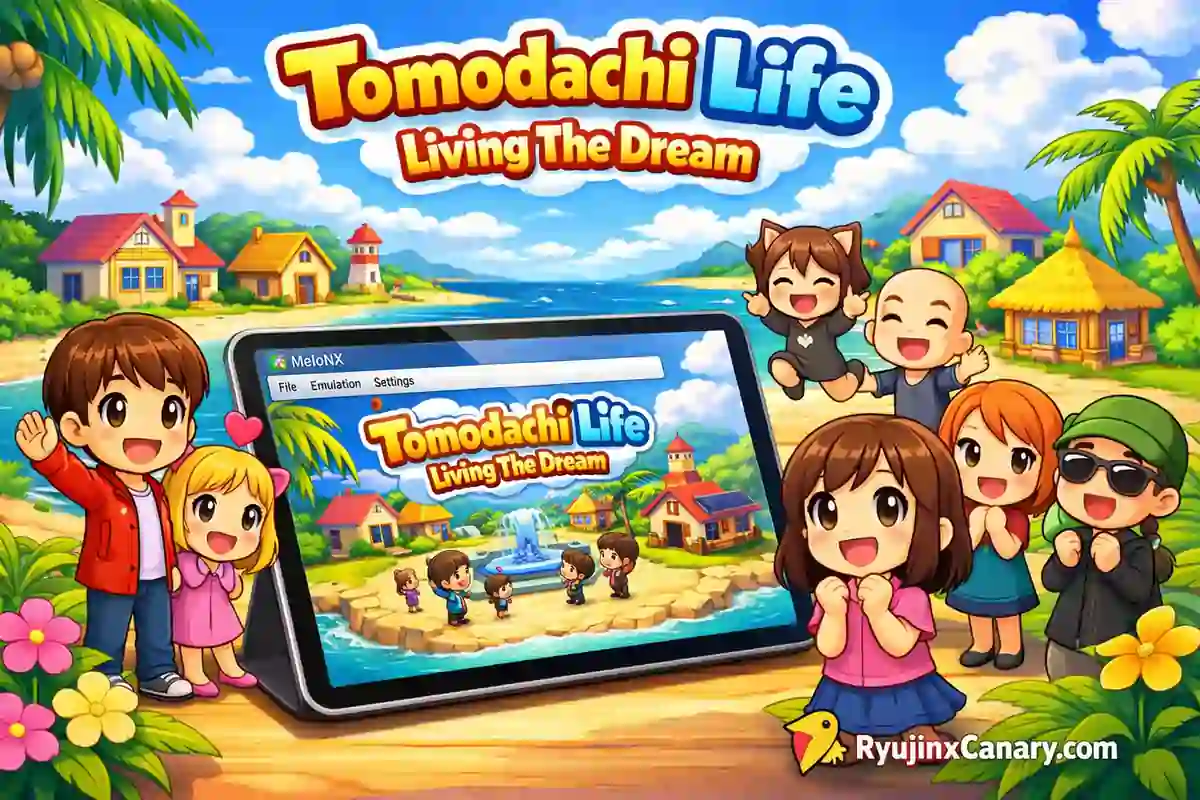
Tomodachi Life: Living The Dream is a fun game that came out in April 2026 for the Nintendo Switch. Many people now want to play it on their iPad because of the big screen and easy touch controls.
Important Note: You must own the real game. This guide is only for people who copy the game from their own Switch. Downloading games from the internet is illegal.
Also Read > Ryujinx Canary Safe Download 2026 – Official Guide
Why Play on iPad?
- You get a large, bright screen.
- Touch controls feel natural.
- You can play anywhere because the iPad is portable.
- New iPad Pro models run the game quite well.
Which iPads Work Best?
| iPad Model | How Well It Runs | Good Choice? |
|---|---|---|
| iPad Pro (M4 or M3) | Very smooth | Best |
| iPad Air (M2) | Good | Yes |
| Normal iPad | Okay | Average |
| Old iPads | Slow | Not recommended |
You need iPadOS 18 or newer.
What You Need
- Your own game file (.XCI or .NSP)
- Switch firmware (version 18.0.0 or higher)
- prod.keys file
- A tool to install apps (like AltStore)
Also Read > Ryujinx Prod Keys Guide
Step 1: Install the Emulator
Use MeloNX — it is a version of Ryujinx made for iPad.
- Download the MeloNX app file.
- Install it using AltStore or similar tool.
- Turn on JIT mode for better speed.
- Open the app.
Note: The normal Ryujinx (from ryujinxcanary.com) It only works on PC, not on iPad. To play on a computer, follow the guide for Tomodachi Life: Living the Dream on PC with Ryujinx.
Step 2: Add Firmware and Keys
- Install your firmware in the emulator settings.
- Put the prod.keys file in the right folder.
If you skip this step, the game will not start.
Step 3: Add the Game
- Copy your game file to the iPad.
- Open MeloNX and add the file.
- Tap to start the game.
Also Read > How to add Games in Ryujinx
Best Settings
- Resolution: 1.5x or 2x
- Frame rate: 30 or 45 FPS (saves battery)
- Use touch controls or connect a Bluetooth controller
Check the input settings guide for controller setup tips. A new iPad Pro can run the game at around 30–45 FPS.
How to Play
Create your Mii and build your island. The big screen makes the game more enjoyable. Touch controls work well for talking to Miis and doing daily tasks.
Also Read > Tomodachi Life Patch Notes
Common Problems and Fixes
| Problem | Solution |
|---|---|
| Game crashes | Lower the resolution |
| Slow speed | Close other apps |
| No sound or black screen | Check your keys and firmware |
For more help, check the troubleshooting page for extra fixes.
The iPad can get warm during long play. Take breaks and keep it cool.
iPad vs PC
| Feature | iPad | PC |
|---|---|---|
| Picture Quality | Good | Better (up to 4K) |
| Speed | 30–45 FPS | 60 FPS |
| Easy to Carry | Yes | No |
| Mods | Limited | More options |
Also Read > Ryujinx Canary vs Ryujinx
Final Tips
- Save your game progress often.
- Keep the emulator updated.
- Use a controller for longer play sessions.
- Always close background apps before playing.
Playing Tomodachi Life on iPad is fun and convenient. With the right setup, you can enjoy your island life anywhere you go. Browse the Ryujinx games guide for compatibility tips. You can also use cheats to try new gameplay options.