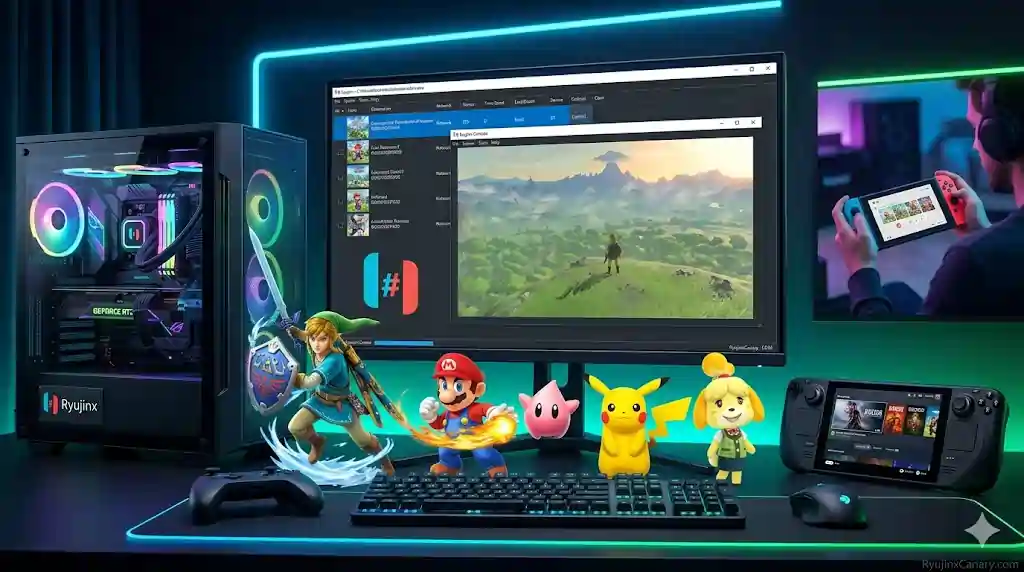
Ryujinx is a powerful Nintendo Switch emulator that allows users to play many Switch games on PC, Steam Deck, and other supported devices. The emulator is available in both Stable and Canary versions. Stable focuses more on reliability, while Canary receives faster updates and newer features.
Ryujinx supports a large number of Nintendo Switch games. Many titles run very smoothly with good graphics and stable performance. This guide explains which games work well, how compatibility works, and how users can improve performance.
How Game Compatibility Works in Ryujinx
Before games can run correctly, Ryujinx needs a few important files and settings.
First, users must add the correct prod.keys and title.keys files. These files are needed for game decryption.
Second, the emulator needs compatible firmware. Most users install firmware version 22.0.0 or newer.
Third, game files must be added to the correct game directory inside Ryujinx. If you need help, follow this guide on How to add Games in Ryujinx.
Once these steps are complete, Ryujinx scans the game folder and shows all available games inside the library.
Most Nintendo Switch games are playable, but some games may need different graphics settings for the best experience.
Ryujinx supports both Vulkan and OpenGL graphics backends. The selected backend can affect graphics quality, stability, and performance.
Also Read > Ryujinx Prod Keys: How To Get Them Safely (2026 Guide)
Popular Games That Run Well
Many popular Nintendo Switch games work very well on Ryujinx.
Mario Kart 8 Deluxe
The Legend of Zelda: Breath of the Wild
Super Mario Odyssey
Animal Crossing: New Horizons
Super Smash Bros. Ultimate
Xenoblade Chronicles
Newer games like Tomodachi Life: Living the Dream have also improved in recent Canary builds. Many users report fewer visual glitches and better grass textures when using the correct graphics settings.
Also Read > How To Play Tomodachi Life: Living The Dream on PC Using Ryujinx (2026 Guide)
Best Performance Tips
Good settings can improve performance and reduce stuttering.
Most users should start with Vulkan because it usually performs better on NVIDIA and AMD graphics cards.
If games crash or show texture problems, switching to OpenGL may help.
Resolution scaling also affects performance. Strong gaming PCs can usually handle 2x or 3x resolution for sharper graphics.
Steam Deck users and lower-end PCs should stay closer to 1x resolution for smoother gameplay.
Shader cache is another important feature. During the first playthrough, games build shader cache files. This may cause small freezes or stuttering at first.
After the cache is built, performance usually becomes smoother.
Docked Mode often provides better graphics quality and stronger performance compared to handheld mode.
Steam Deck users should always use the x64 build of Ryujinx.
Many users first test games in Desktop Mode before adding Ryujinx to Steam for Gaming Mode.
See the Ryujinx PC setup guide for full setup instructions. For controllers, check the input settings guide.
Also Read > Ryujinx vs Yuzu vs Eden: Best Nintendo Switch Emulators
Common Game Problems and Fixes
Some games may still show problems depending on the hardware and emulator version.
If games display a black screen or crash during gameplay, try switching between Vulkan and OpenGL in Settings > Graphics.
Low FPS can often be improved by lowering the resolution scale and updating GPU drivers.
Texture glitches, such as strange grass or broken visuals, may improve after clearing the shader cache or switching graphics backends.
Slow loading times can happen if firmware is outdated or too many background applications are running.
Keeping GPU drivers updated is important for AMD, NVIDIA, and Intel graphics cards.
Apple Silicon Macs also perform very well because of Metal support.
Also Read > Ryujinx Canary Troubleshooting Guide: Fixing Common Errors
Which Version is Better for Games?
Ryujinx Stable is usually the better option for everyday gaming because it is more reliable and has fewer unexpected issues.
Ryujinx Canary often performs better for newer or more demanding games because it receives updates faster.
However, Canary builds may sometimes introduce bugs, crashes, or graphical problems.
Many users keep both versions installed.
They use Stable for long gaming sessions and Canary when a game needs the newest fixes or performance improvements.
Also Read > Ryujinx Stable vs Canary: Performance Test & Real Results
Final Thoughts
Ryujinx continues to improve Nintendo Switch game compatibility in 2026.
With the correct setup, users can enjoy hundreds of Nintendo Switch games with smoother performance and better graphics than the original console.
The best results usually come from testing different settings for each game.
Users should start with default settings and then adjust the graphics backend and resolution scale if needed.
Whether you enjoy Zelda, Mario, Smash Bros., Animal Crossing, or other popular titles, Ryujinx provides a great way to experience Nintendo Switch games on modern hardware.