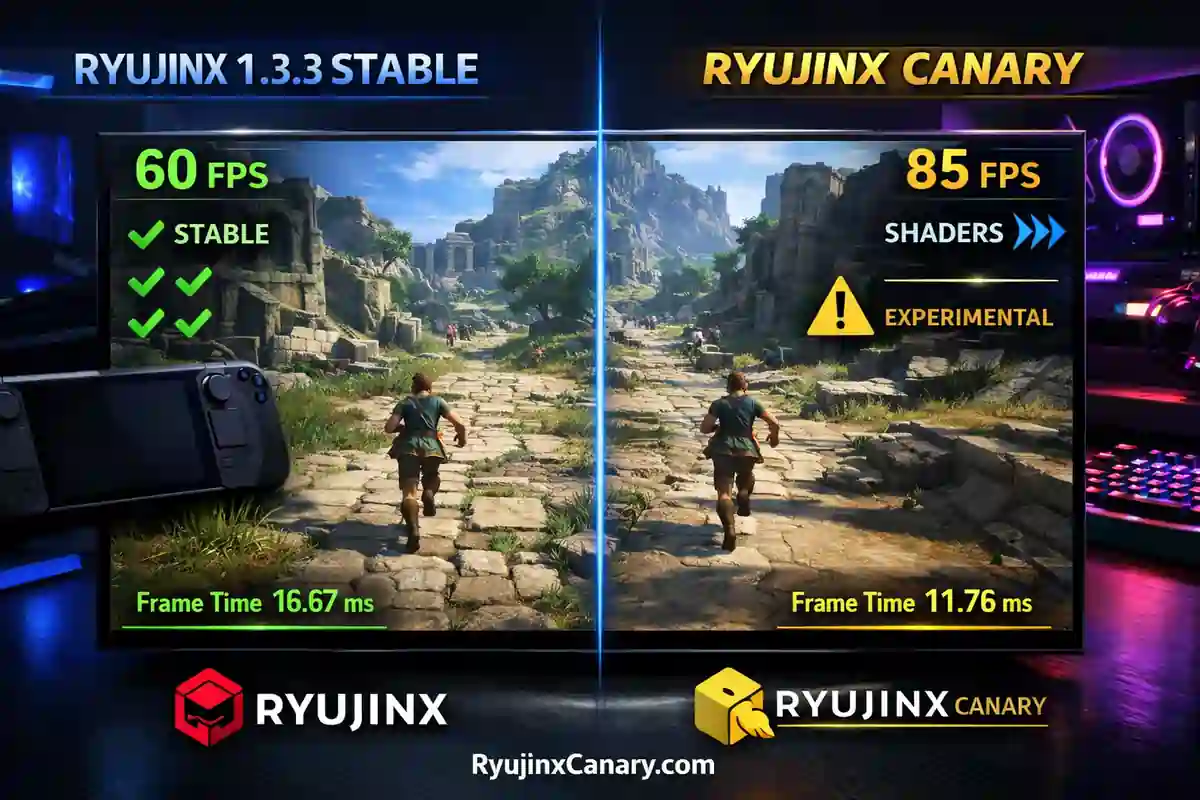
Ryujinx 1.3.3 Stable and Ryujinx Canary are two popular versions of the Nintendo Switch emulator.
Many users want to know which version gives better performance in real games.
This guide compares both versions using user reports and official information from the Ryubing project.
Update Frequency and Main Differences
Ryujinx Stable 1.3.3 focuses on reliability and smooth gameplay. It receives updates less often, usually every few weeks.
Ryujinx Canary is the experimental version. It gets updates much more often, sometimes daily or weekly. See the Ryujinx Canary vs Ryujinx comparison for feature differences.
Also Read > Ryujinx Canary vs Ryubing: Key Differences & Best Choice
Canary usually receives:
- New features first
- Faster bug fixes
- Graphics improvements
- Better game compatibility
However, Canary can sometimes cause:
- Crashes
- Bugs
- Texture problems
- Performance issues
Stable is usually safer and more reliable.
Canary is better for users who want the newest improvements.
FPS and Gameplay Smoothness
Many users report that Canary gives slightly better frame rates. On mid-range and high-end PCs, Canary may improve FPS by around 5% to 15% in demanding games.
This happens because Canary includes newer optimizations. Still, Stable often feels smoother during long gameplay sessions.
Stable usually has:
- Fewer sudden FPS drops
- Better consistency
- More stable gameplay
Canary may feel faster, but performance can sometimes change between updates.
Also Read > How to Add Games in Ryujinx Canary (2026 Easy Guide)
Shader Compilation Performance
One of the biggest differences is shader compilation. Canary usually builds shaders faster because it receives newer improvements earlier.
During first-time gameplay, users may notice:
- Shorter loading times
- Less waiting
- Faster shader creation
Stable takes longer to build shaders.
However, after the shader cache is complete, Stable usually runs smoothly with less stutter.
Vulkan vs OpenGL
Both versions support Vulkan and OpenGL.
Vulkan usually works better on NVIDIA and AMD graphics cards. It can provide higher performance, better resolution scaling, and smoother graphics.
OpenGL may work better on Intel GPUs, Steam Deck, and older systems.
If you see crashes, black screens, or texture issues, try switching to OpenGL. This can improve stability in some games.
You can also use graphics enhancements to improve visual quality and performance.
Loading Times and Stability
Stable usually performs better for long gaming sessions.
It has:
- Fewer crashes
- Better reliability
- More consistent performance
Canary may load games faster and feel more responsive. Still, some Canary updates may create random crashes during:
- Heavy shader loading
- Large open areas
- Long gameplay sessions
Memory usage is similar in both versions. However, Canary may sometimes use slightly more GPU power.
Steam Deck Performance
Steam Deck users should use x64 builds for both versions. Many Steam Deck users prefer Canary for newer games because it often receives compatibility updates faster.
Some games may work better in Canary.
However, users may need to switch to OpenGL to fix:
- Black ground
- Missing grass
- Texture problems
Stable often works better for older games and usually requires fewer changes.
Also Read > Ryujinx PC Setup Guide.
Hardware Recommendations
| Hardware Tier | Recommended Version | Suggested Settings |
|---|---|---|
| Low-End PCs | Stable 1.3.3 with OpenGL | Use 1.5x or 2x resolution scale for better performance. |
| Mid-Range PCs | Canary with Vulkan | Offers a good balance of performance and features. |
| High-End Gaming PCs | Canary | Use 3x resolution scale or higher for better visual quality. |
| Steam Deck | Test both versions | Use Canary for newer games. Keep Stable as a backup option. |
Common Performance Fixes
| Problem | Solution |
|---|---|
| Shader Stutter | Play through demanding areas once to build the shader cache. Clear the cache after major updates if needed. |
| FPS Drops | Switch between Vulkan and OpenGL. Close background apps to improve performance. |
| Random Crashes | Try an older Canary build. You can also switch back to the Stable version. |
| GPU Problems | Lower the resolution scale. You can also change the graphics backend. |
Also Read > Ryujinx Canary Troubleshooting Guide: Fixing Common Errors
Final Verdict
Ryujinx Stable 1.3.3 is usually the safer choice for most players. It gives stable performance and fewer problems.
Ryujinx Canary is better for users who want:
- The latest updates
- Faster shader improvements
- Better support for newer games
- Early access to new features
However, Canary users should expect occasional bugs and crashes. Many users keep both versions installed in separate folders.
This makes it easy to switch between Stable and Canary depending on the game. For everyday gaming, Stable is usually the better option.
For testing newer games and improvements, Canary is often the best choice. Always download both versions from official Ryubing releases.
With proper setup, firmware, keys, and graphics settings, both versions provide excellent Nintendo Switch emulation in 2026.