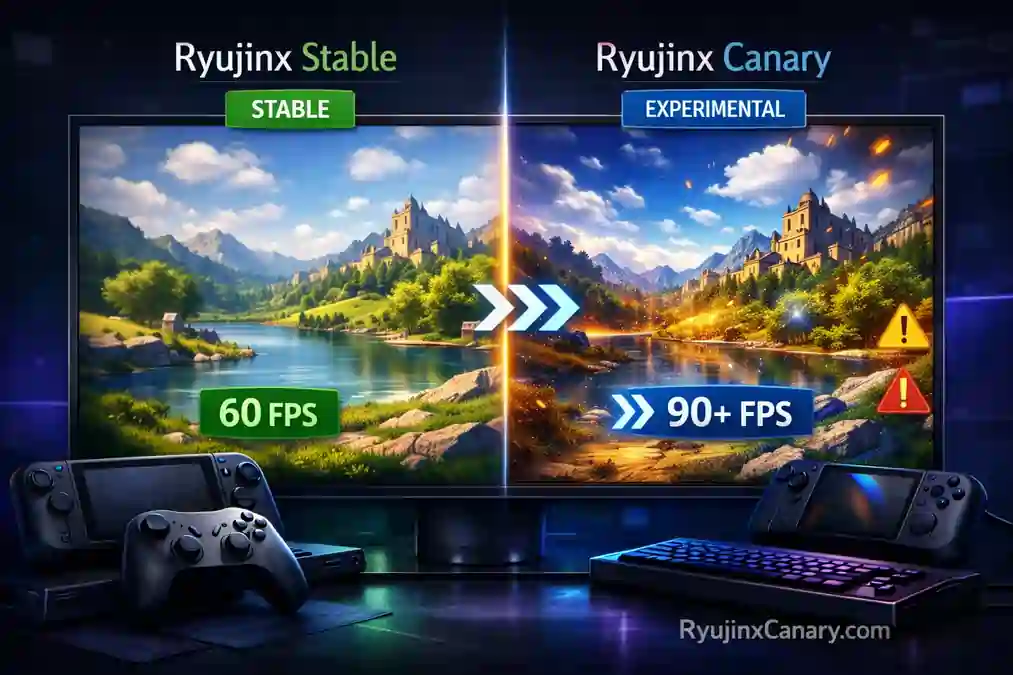
Ryujinx is a popular Nintendo Switch emulator. Many users get confused between the regular Ryujinx version and Ryujinx Canary.
Both versions come from the Ryubing project, but they are made for different types of users.You can check the Ryujinx Canary vs Ryubing comparison to learn the differences between them.
This guide explains the main differences and helps you decide which version is better for you.
What is Ryujinx Stable?
Ryujinx Stable is the regular version of the emulator. It focuses on stability and reliability.
Updates are released less often, but they are usually tested carefully before release.
Stable is a good choice for users who want:
- Smooth gameplay
- Fewer crashes
- More reliable performance
- Longer gaming sessions
Many beginners prefer Stable because it is easier to use and usually has fewer problems.
What is Ryujinx Canary?
Ryujinx Canary is the experimental version of the emulator.
It receives updates much more often. Sometimes new Canary builds are released daily or weekly.
Canary builds include:
- New features
- Faster bug fixes
- Graphics improvements
- Performance updates
- Better support for newer games
Many users choose Canary because it often improves game compatibility faster than Stable.
Games like Tomodachi Life may work better on newer Canary builds. Check the Tomodachi Life patch notes for the latest fixes.
You can also follow the guide to play Tomodachi Life: Living the Dream on PC with Ryujinx. However, Canary is still experimental.
Also Read > how to play Tomodachi Life: Living the Dream on PC with Ryujinx
Because of this, users may sometimes experience:
- Crashes
- Graphical glitches
- Black screens
- Texture problems
- Random bugs
Even so, many advanced users still prefer Canary because it receives improvements quickly.
Basic Setup is the Same
Both Ryujinx Stable and Ryujinx Canary use almost the same setup process.
For both versions, users need:
- prod.keys. See the Ryujinx prod keys guide for safe and proper installation.
- Firmware version 22.0.0 or newer
- Nintendo Switch game files. Learn how to add games in Ryujinx with this step-by-step guide.
The installation process is very similar for both versions.
Main Differences
The biggest difference is update speed and stability.
Ryujinx Stable:
- Updates less often
- More stable
- Better for beginners
- Lower risk of bugs
Stable focuses on reliability.
Ryujinx Canary:
- Updates very often
- Experimental features
- Faster bug fixes
- Better support for new games
- Higher risk of crashes or issues
Canary focuses on testing the newest improvements.
Update Frequency and Stability
Canary builds move much faster than Stable builds.
For example, Stable may stay on one version for a long time while Canary continues receiving many updates.
This allows Canary users to test:
- New graphics fixes
- Shader improvements
- Compatibility patches
- Performance optimizations
However, faster updates also create more risk.
A new Canary update may sometimes break games or introduce new bugs.
Stable builds usually avoid these problems because updates are tested more carefully.
Also Read > Ryujinx Stable vs Canary Performance
Performance and Graphics
Both versions support:
- Vulkan
- OpenGL
Many users report that Canary sometimes gives:
- Better frame rates
- Faster shader loading
- Better GPU usage
- Improved graphics quality
Canary usually receives graphics improvements first. This makes it popular with users who want higher performance or better visual quality.
Still, some Canary builds may create graphical problems like:
- Black screens
- Missing textures
- Flickering graphics
Also Read > Ryujinx Canary Troubleshooting Guide: Fixing Common Errors
Stable is usually more consistent and predictable.
Which Version Should You Use?
Choose Stable if:
- You are new to emulation
- You want fewer crashes
- You prefer reliable gameplay
- You play for long sessions
- Your PC is lower-end
Choose Canary if:
- You want the latest features
- You want faster fixes
- You play newer games
- You use a high-end PC
- You do not mind occasional bugs
Many Steam Deck users prefer Canary because it often supports newer games better.
Still, many users keep Stable installed as a backup.
Also Read > Ryujinx Games Guide 2026 | Best Compatible Nintendo Switch Games on PC
Practical Tips
Always download from official Ryubing sources. Official Canary download website: ryujinxcanary.com. Both versions are available on the download page.
Users should keep Stable and Canary in separate folders. This makes it easy to switch between them.
It is also a good idea to back up the config folder before testing new Canary builds.
For better performance:
- Update GPU drivers regularly
- Use the latest compatible firmware
- Test games in both versions
Some games may work better in Stable, while others may run better in Canary. You can also improve your experience with custom input settings and cheats.
Final Thoughts
Ryujinx Stable and Ryujinx Canary are both part of the same emulator project.
Stable focuses on reliability and smooth gameplay. Canary focuses on fast updates and the newest improvements.
Many users benefit from having both versions installed. Beginners usually start with Stable.
Advanced users often prefer Canary for better compatibility and faster updates.
The best choice depends on what matters most to you:
- Stability and reliability
- Or the latest features and performance improvements
Both versions continue improving Nintendo Switch emulation in 2026.